Failed to create EGLContext
Issue
You would likely (and hopefully only) encounter this problem when using an emulator. The screen stays black, and the log shows Failed to create EGLContext. Tried: ..., with an error for each EGL config that the compositor tried, such as EGL_BAD_MATCH or EGL_BAD_ATTRIBUTE.
The compositor (create_egl_context in src/android/backend/wayland/winit_backend.rs) tries several configs in order: OpenGL ES 3.0 with a hardware-accelerated surface, then emulator-friendly surfaces, then OpenGL ES 2.0. You only see this error when every one of them failed.
Khronos EGL documentation points out these errors very clearly. It seems like the cause of our specific case is:
If context does not support being bound without read and draw surfaces, and both draw and read are EGL_NO_SURFACE, an EGL_BAD_MATCH error is generated.
It's hard to find these documentations on your own, that's why this Bug Cheat Sheet will prove to be very useful.
So remember: whenever you get stuck, come back here! And don't just read - please contribute whatever you find.
Solution
EGL_BAD_MATCH
Local Desktop patched this portion of Smithay to create a dummy 1x1 pbuffer surface and use it as both the draw and read surface when calling eglMakeCurrent to avoid the EGL_BAD_MATCH error.
If you know EGL better than us and have a cleaner fix, we'd love a pull request.
EGL_BAD_ATTRIBUTE
Some drivers reject the EGL 1.5 context attributes with EGL_BAD_ATTRIBUTE. Since #208, our Smithay patch retries with the older EGL_CONTEXT_CLIENT_VERSION attribute by itself, so you shouldn't see this any more.
If you still do (on an emulator, for example), toggle the Experimental: Enable ANGLE setting in Developer options:
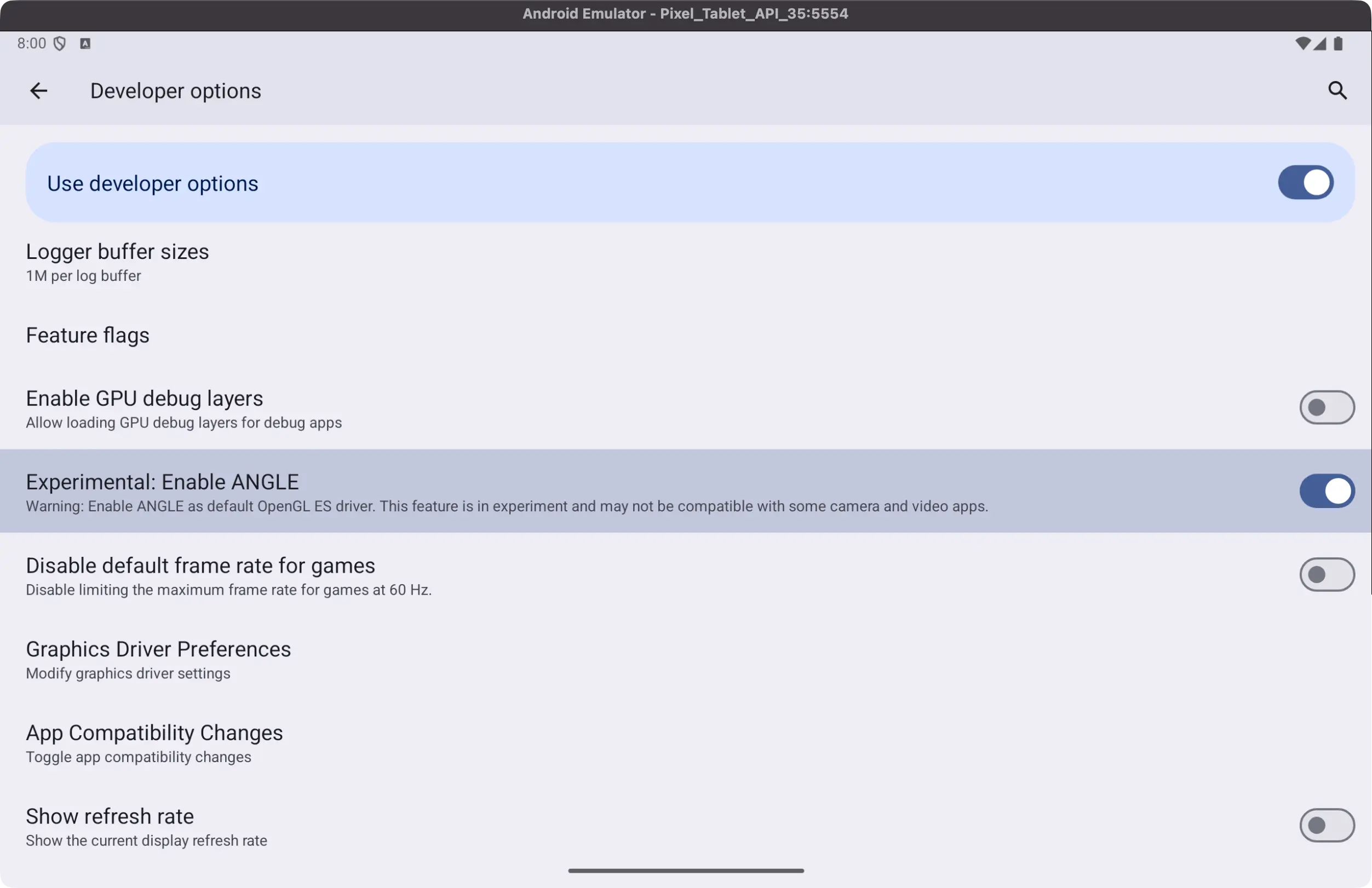
Hint: Initially, this setting appears greyed out (the reason is unclear). To enable toggling, first turn off the Use developer options toggle, then turn it back on. Note that the device will reboot when the ANGLE setting is changed.