elementary OS on Android, powered by Local Desktop

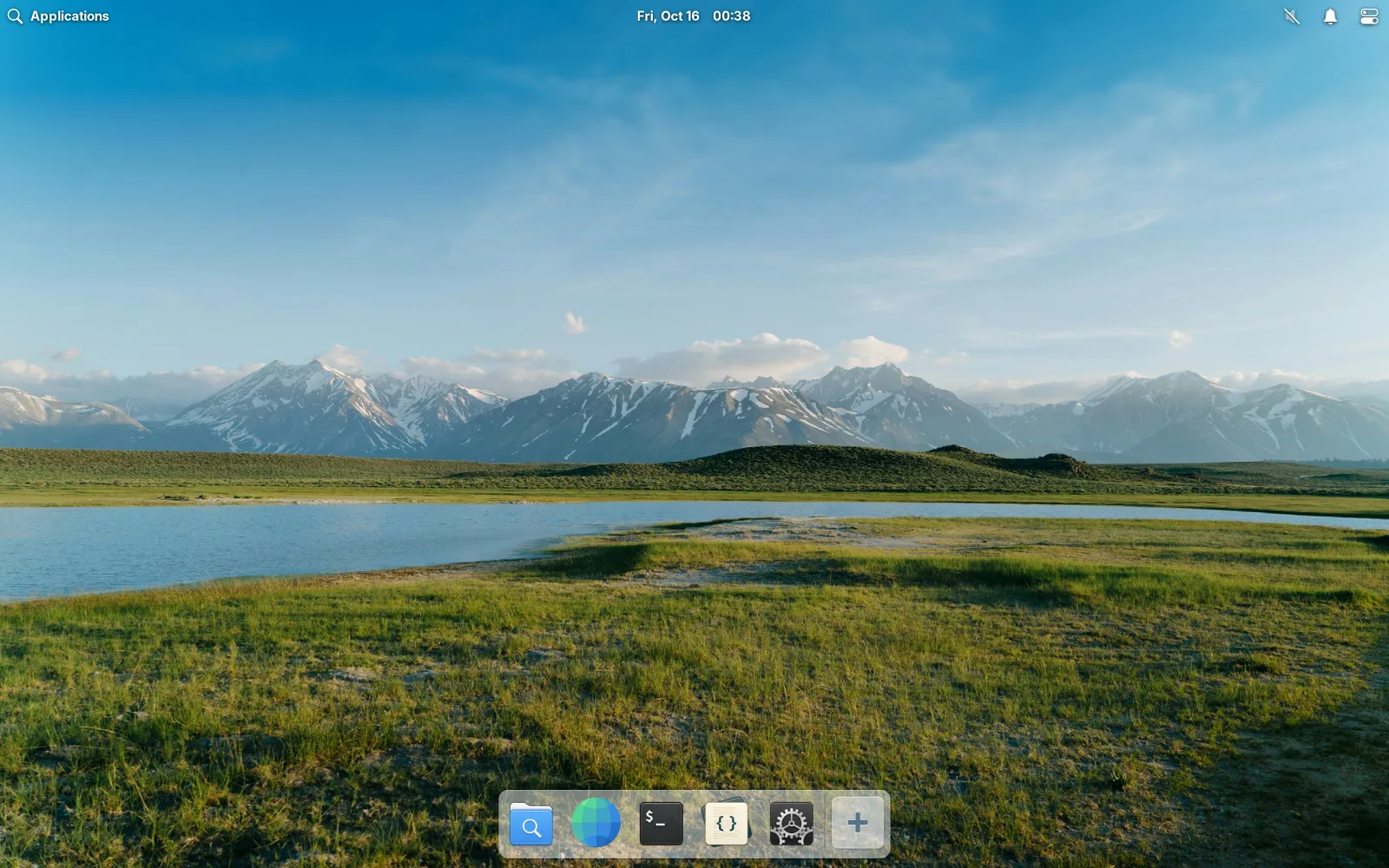
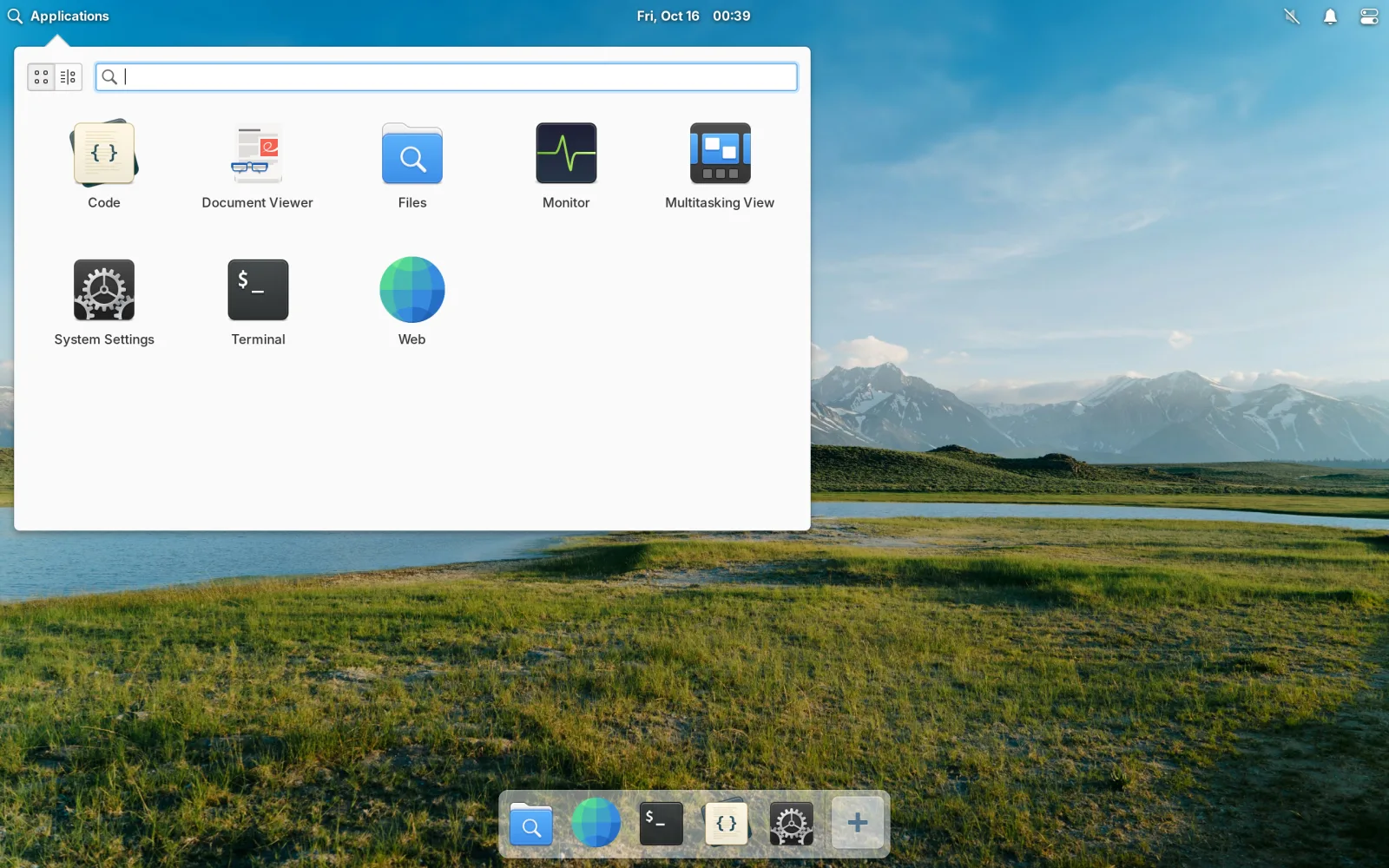
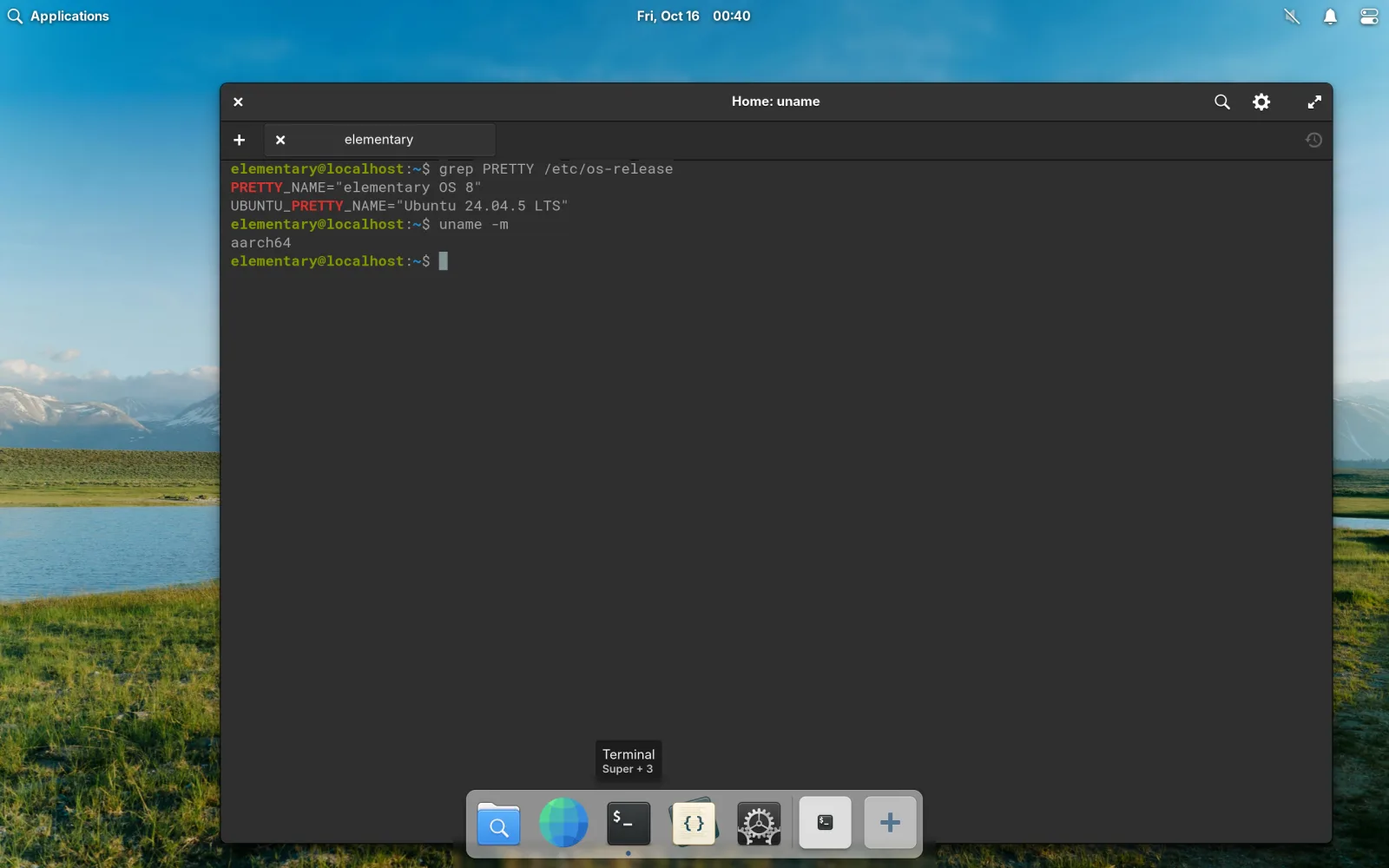
Meet elementary-mobile, an experimental fork of Local Desktop that ships elementary OS instead of Arch Linux. Install one APK, tap the icon, and you land on the Pantheon desktop. No download on first launch, no package installation, no internet connection at all.
Why elementary OS?
Honestly? Because I like how polished it is. elementary OS has always been the Linux desktop that feels designed rather than assembled: one look, one set of conventions, apps that belong together. On a tablet, where you mostly tap and glance, that polish matters even more.
The second reason is more practical. Local Desktop today downloads an Arch Linux image on first launch and then installs the desktop with pacman. That works, but it means:
- you need a good connection the first time you open the app, and
- every install pulls whatever versions are newest that day. Arch moves fast, and now and then a newer package breaks something under proot.
elementary OS is built on Ubuntu, which is Debian-based, which makes a different approach easy: build the whole OS once, ahead of time, and put it inside the APK. Download the APK once, and it installs offline, forever. Upgrades happen by installing a newer APK, not by running pacman -Syu, so a newer package version can't sneak in and break your desktop. Or at least, that's the idea 😅
How it works
The engine is the same as Local Desktop's: a Wayland compositor running in the Android NDK, and proot to run Linux without root. What changed is what runs on top.
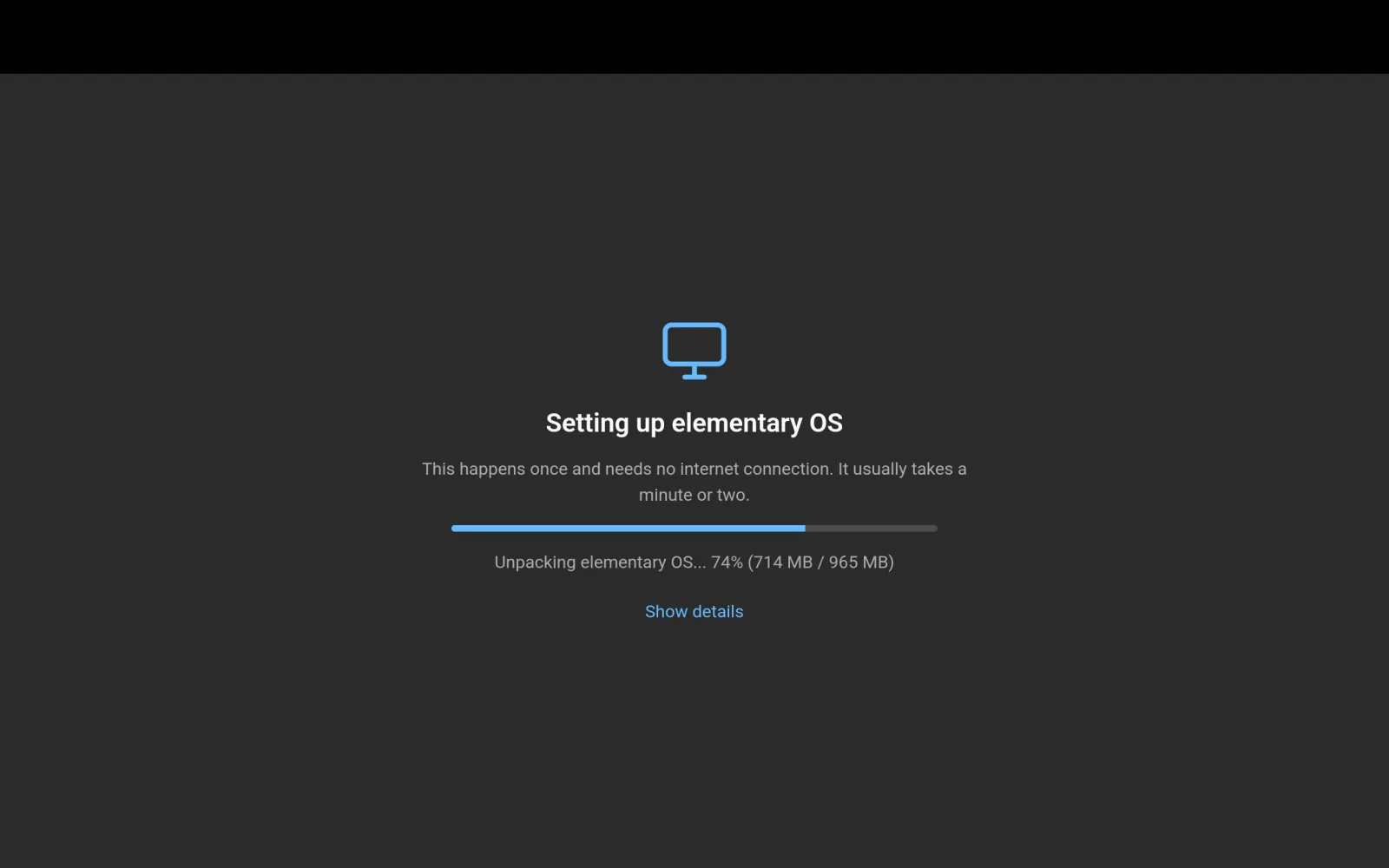
- The OS image is built from elementary's own packages. elementary does not publish an ARM64 image, so a Dockerfile assembles one from Ubuntu 24.04 plus elementary's official package archives, then trims everything a phone never reads. The result is about 190 MB compressed (around 1 GB unpacked), stored inside a ~210 MB APK.
- First launch just unpacks it, straight out of the APK, then opens the desktop without asking you to restart the app. On an emulator that took about 13 seconds.
- Your files live outside the OS. When a newer APK carries a newer OS, the old one is replaced as a whole, and your home folder stays.
- Gala runs inside a rootful Xwayland window. Gala, elementary's window manager, cannot run as a client of another Wayland compositor, so the whole Pantheon session lives in one X11 window that our compositor shows full screen.
What we had to fix along the way
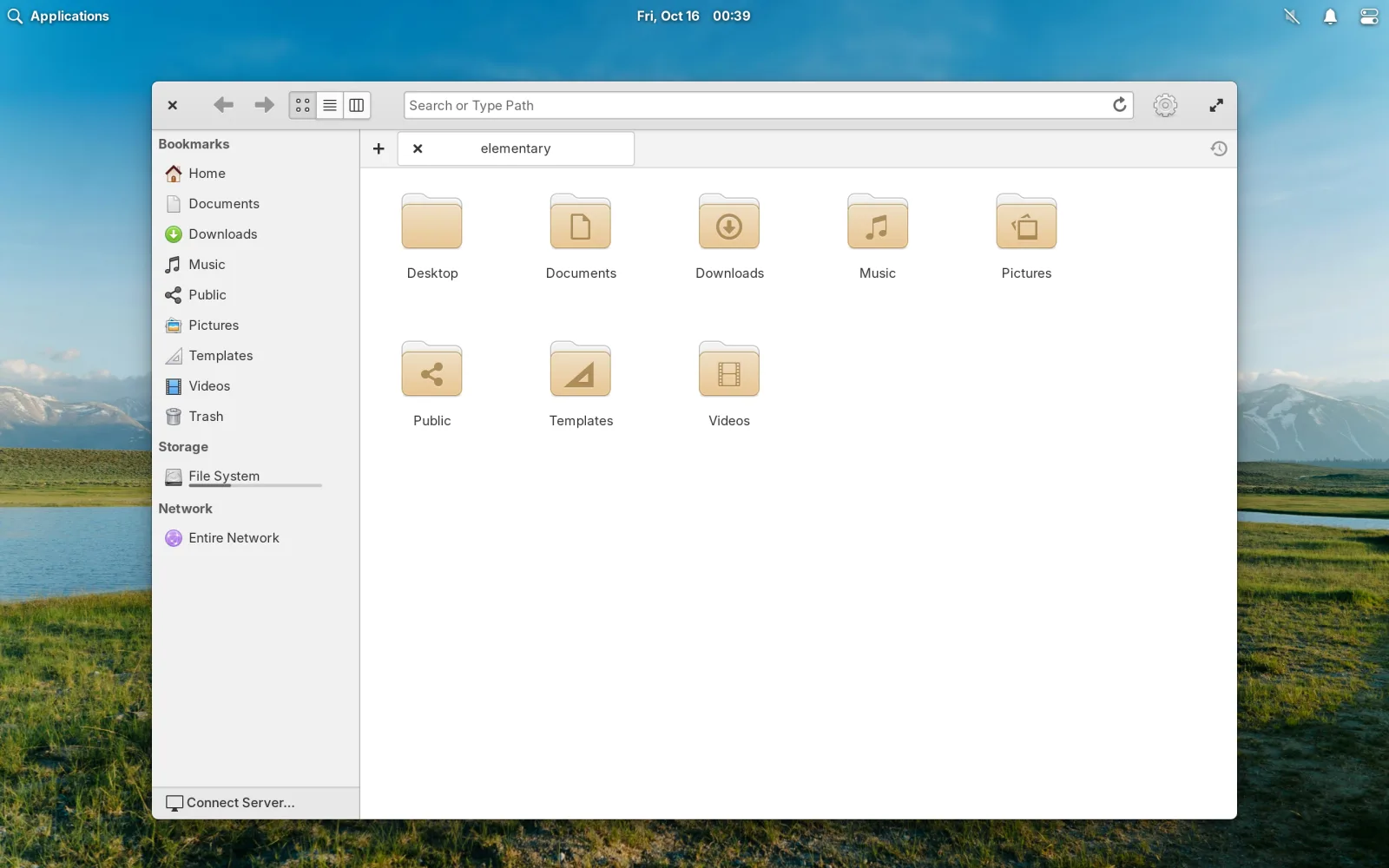
Pantheon expects systemd, logind, a GPU and a normal login screen, and proot on Android gives you none of those. Getting from a black screen to the desktop above took a few fixes:
- Gala crashed when logind was missing; it now runs with a session ID set and screen locking left to Android.
- gnome-session waited forever for Gala to register (Gala only reports to systemd), so Gala now runs outside gnome-session.
- Xwayland handed Gala a 5120×2880 mode, so everything rendered at 16 times the needed resolution. A small Xwayland patch fixed it.
- Apps drew blank windows because proot cannot share SysV memory between processes, so Xwayland now runs without MIT-SHM.
- The full Pantheon session ran into Android's limit of 32 child processes and got killed. The session is trimmed to about 23 processes now.
The honest part
This is an experiment, and it has rough edges:
- Apps that elementary now ships only as Flatpaks (Calculator, Music, Videos, Photos, AppCenter) can't run, because Flatpak needs Linux user namespaces. Web, Document Viewer and File Roller are included as normal packages instead.
- Rendering is done on the CPU, so it's not fast.
- With more than a couple of apps open you can still hit Android's process limit. Lifting it once in Developer options (how) is still recommended.
- Sound is not working reliably yet, the desktop is English only, and the panel and dock sometimes need a first tap to appear.
- So far it has been tested on an Android emulator, not on many real devices.
If you want to try it, build it from the repository: one script for the OS image, one command for the APK. And if this direction excites you, let us know, and toss a ⭐️ to the Local Desktop repository while you're there.
elementary OS and Pantheon are made by elementary, Inc. and their contributors. elementary-mobile is a community experiment, not affiliated with or endorsed by elementary, Inc.