Visual Studio Code
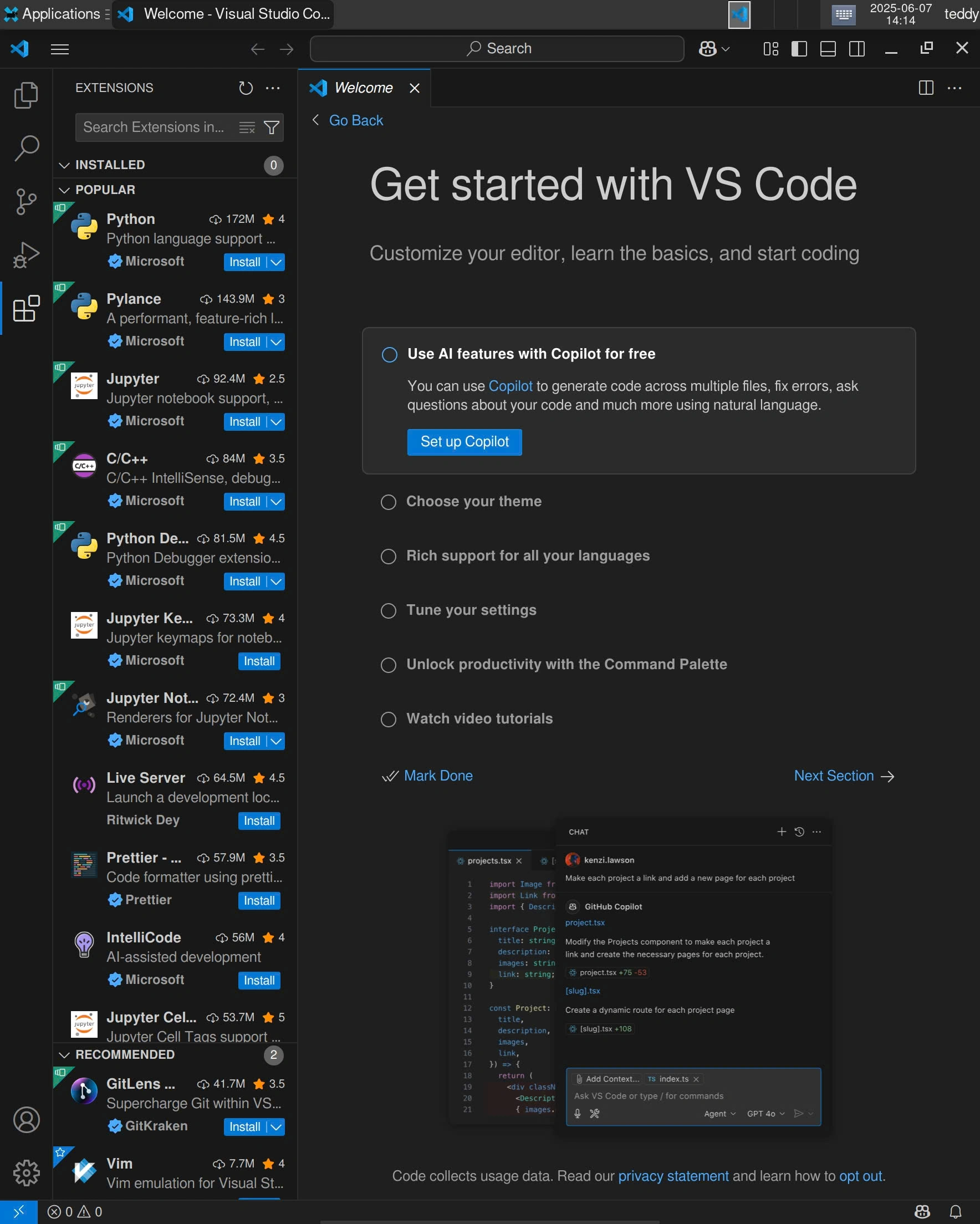
You can install it from the AUR. See How to install applications? for instructions.
Compatibility note
-
Chromium's sandbox needs Linux user namespaces, which Android does not allow, so VS Code has to run with
--no-sandbox. Local Desktop applies that for you:ELECTRON_DISABLE_SANDBOXis exported for the whole desktop session, and application entries for Chromium-based apps are shadowed with--no-sandboxcopies in~/.local/share/applications. VS Code launches from the XFCE Application launcher and from the terminal with no extra flags. Termux + proot-distro still requires the flag by hand. -
Launching as a root user requires the
--user-data-dirflag. Why?
However, it is recommended to use a non-root user for running Visual Studio Code. See Creating a Non-root User for instructions.